Sovereign notebooks for Mac, iPad and iPhone
Like OneNote.
But your notes are yours.
Full sovereignty over your notes: end-to-end encrypted, backed up automatically and stored in your own cloud folder. With flowing-text and canvas pages, diagrams, a Kanban board and collaboration – no account, no third-party server.
Favorites
Notebooks
Saved searches
Website relaunch kick-off
Goal: new homepage by the end of January, copy and images come from the client. Next meeting with #client Miller on Friday.
Tasks
- Agree on the brief
- Draft the sitemap
- Send the quote Fri
Mac · iPad · iPhone
One notebook. On all your devices.
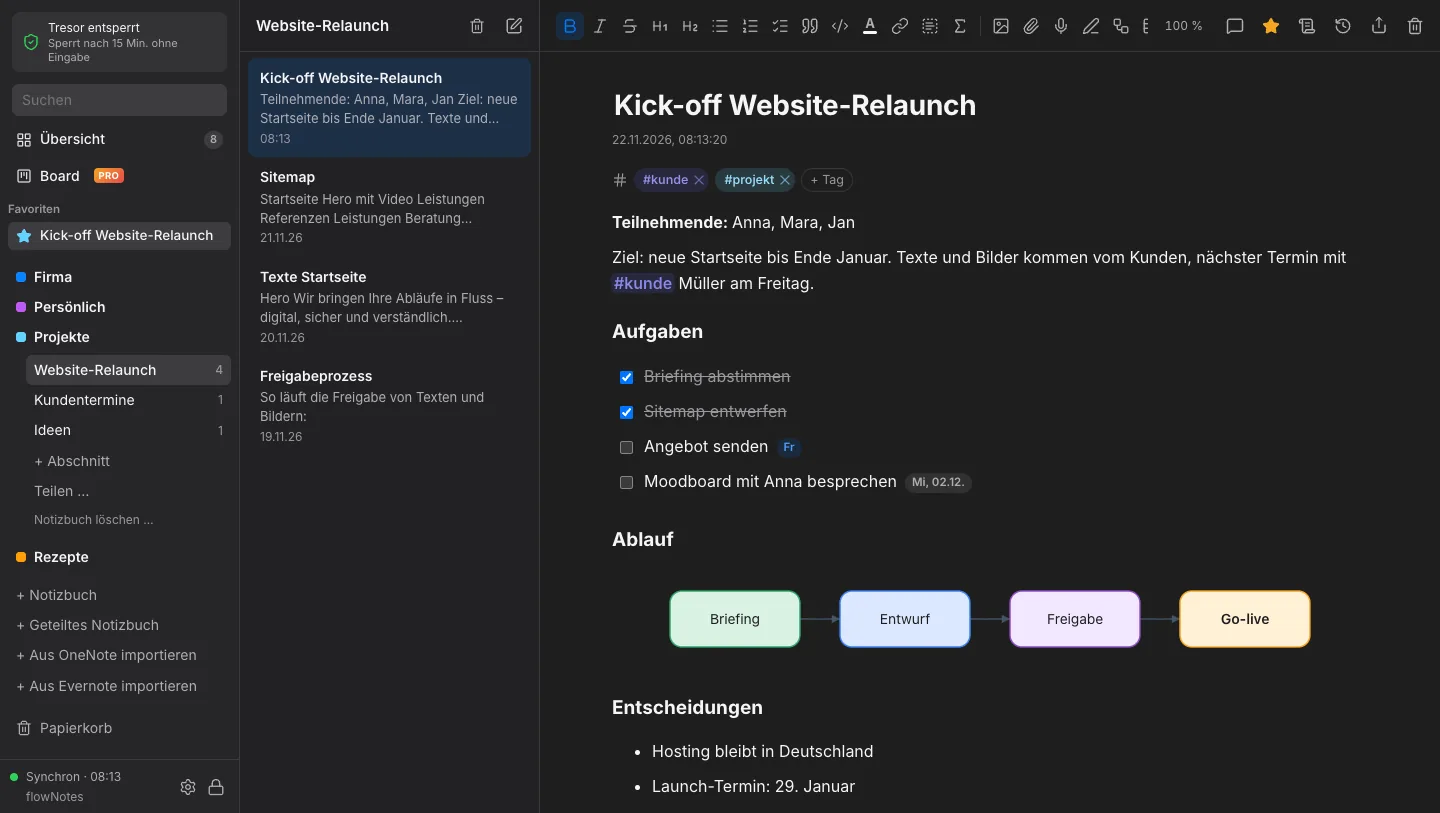
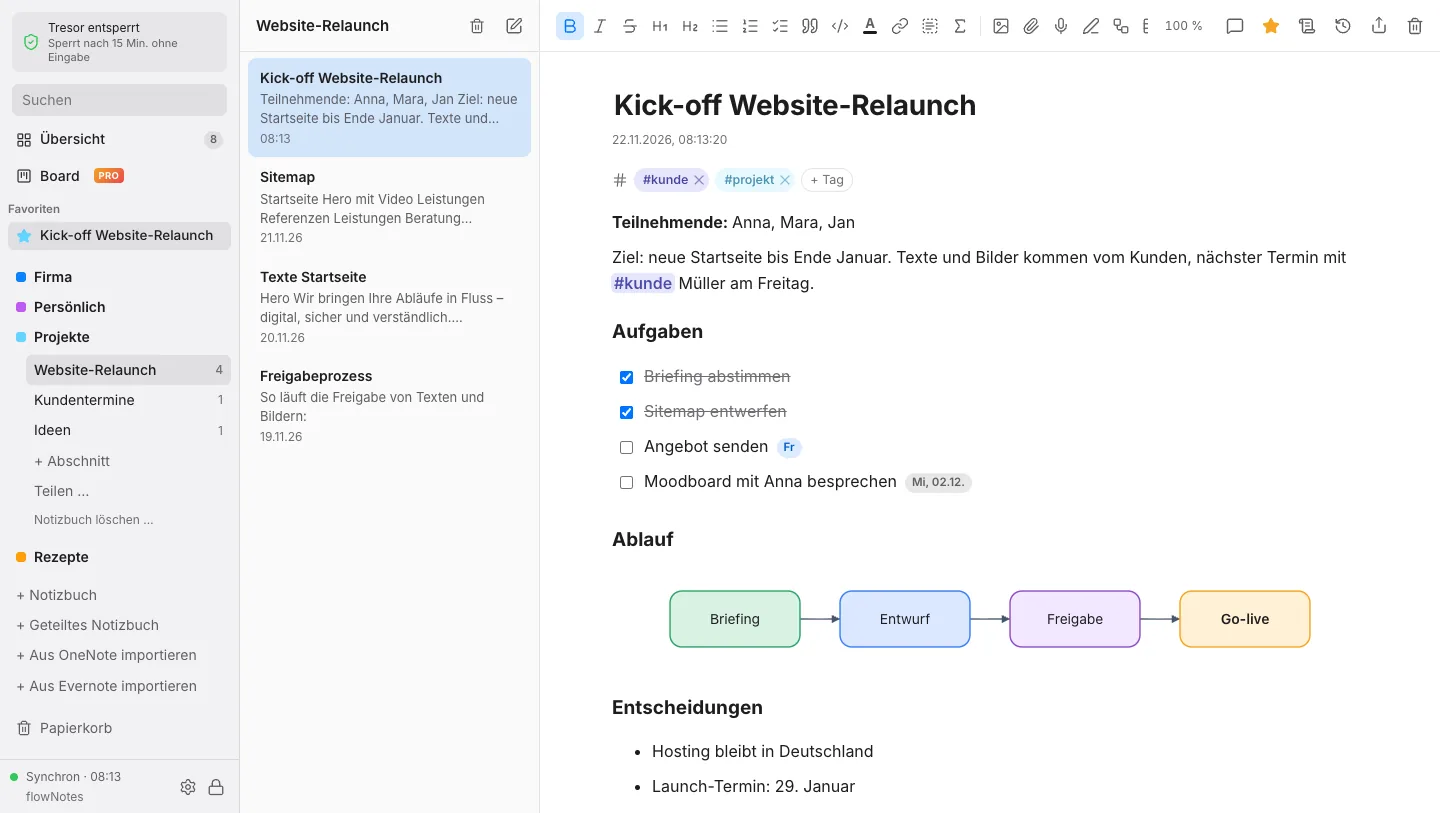
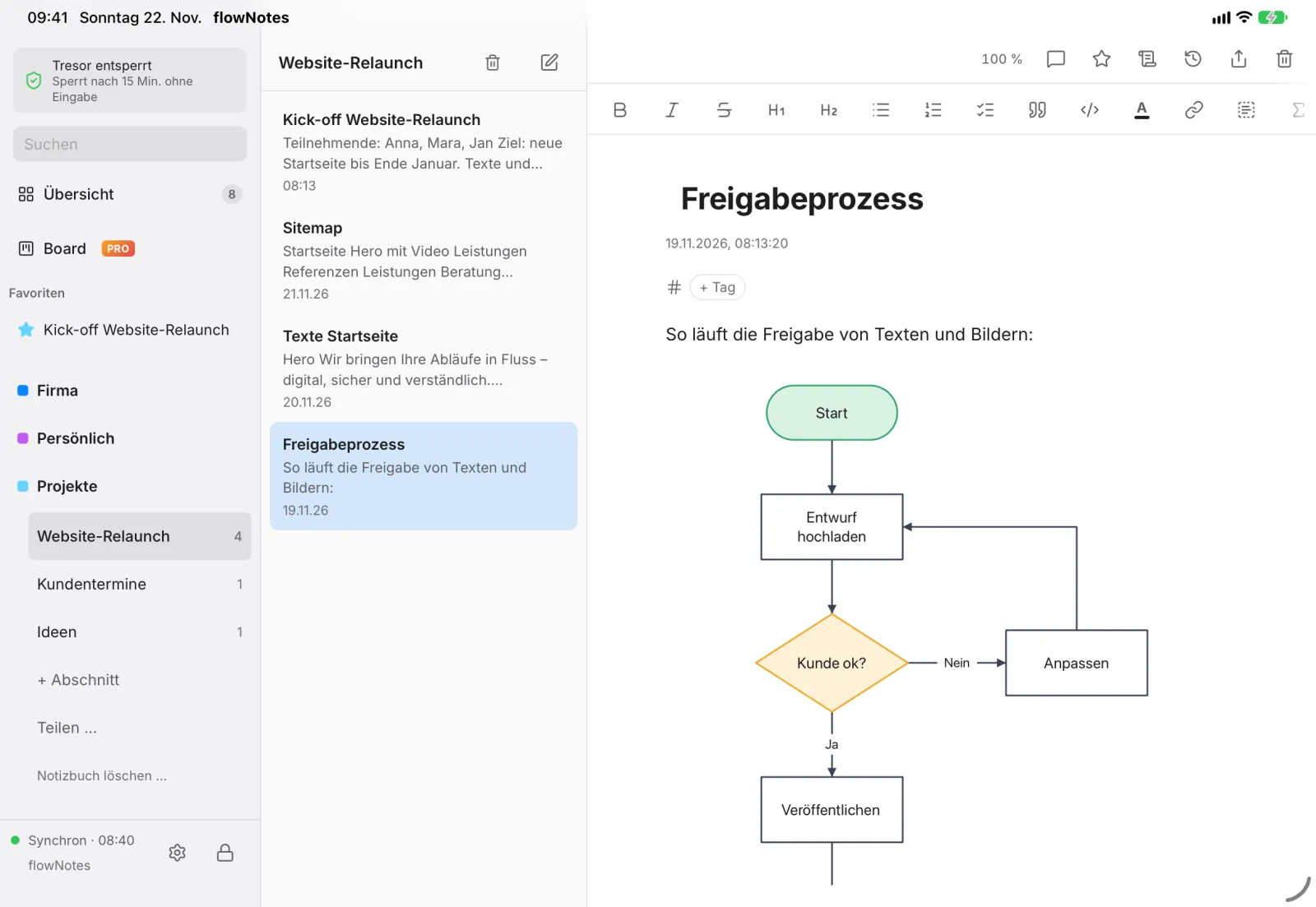
flowNotes runs on Mac, iPad and iPhone. They all open the same encrypted folder in your cloud – what you jot down at your desk is already in your pocket.
Mac
- Three columns, keyboard shortcuts and menu bar
- Quick capture from anywhere with a shortcut
- Unlock with Touch ID
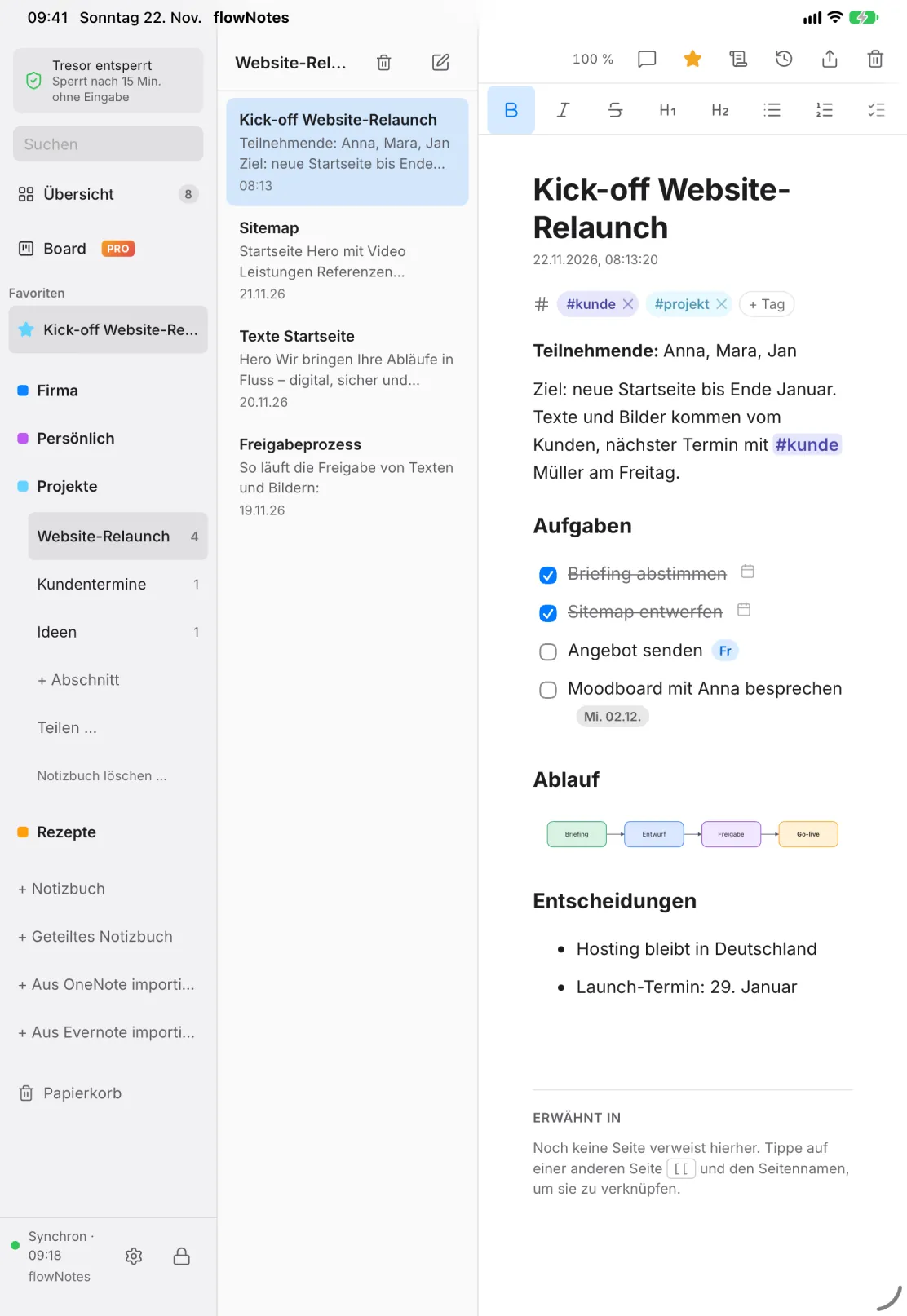
iPad
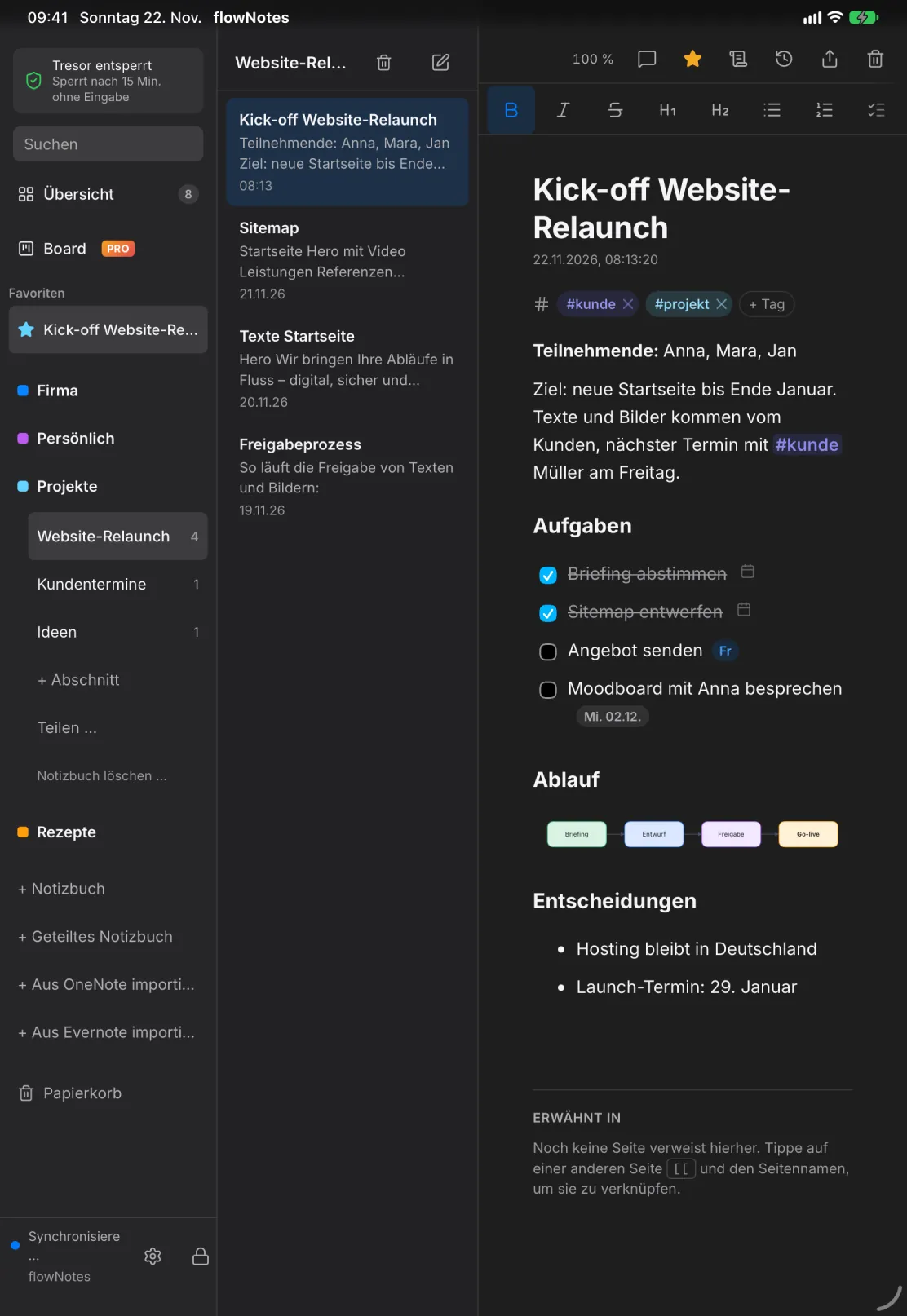
- Three columns in portrait and landscape
- Diagrams and canvas with your finger
- Unlock with Face ID or Touch ID
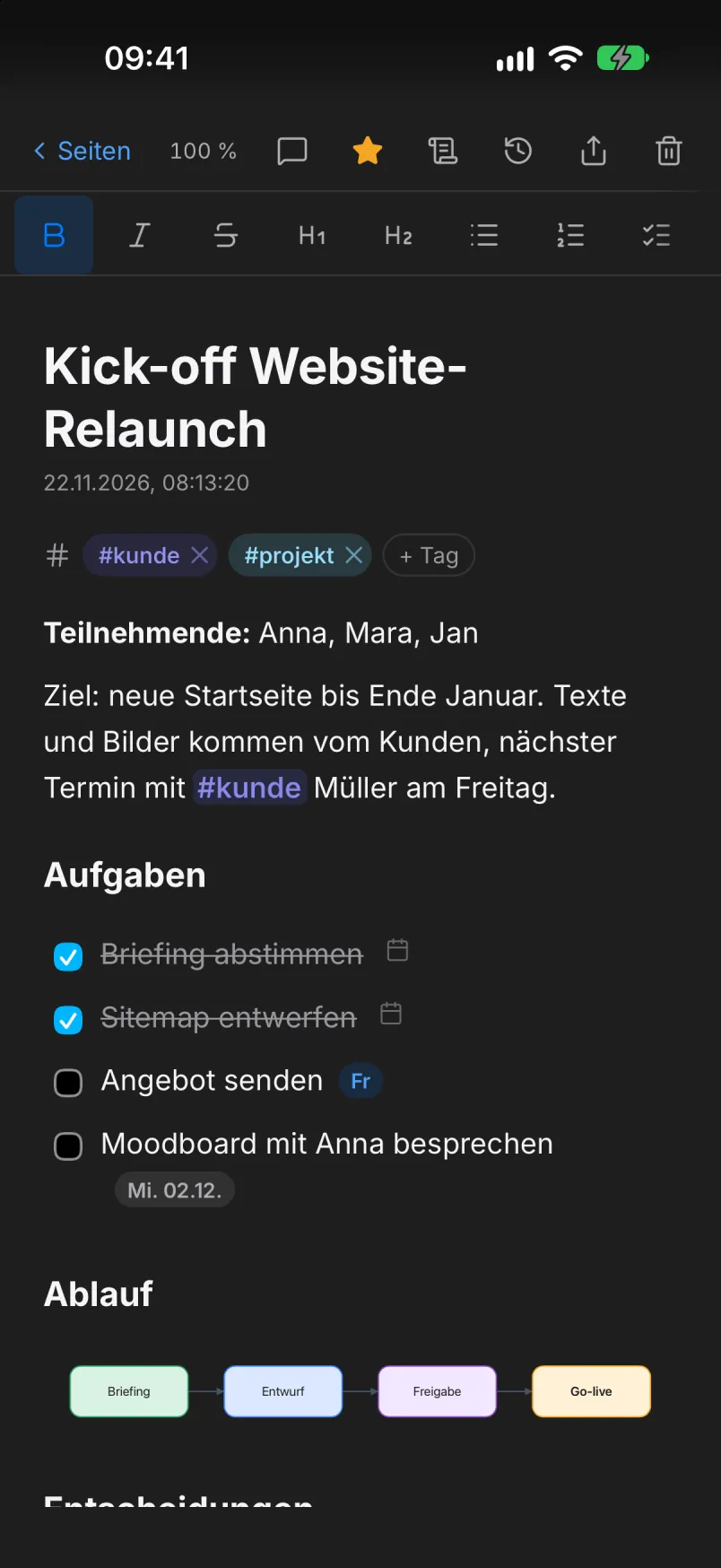
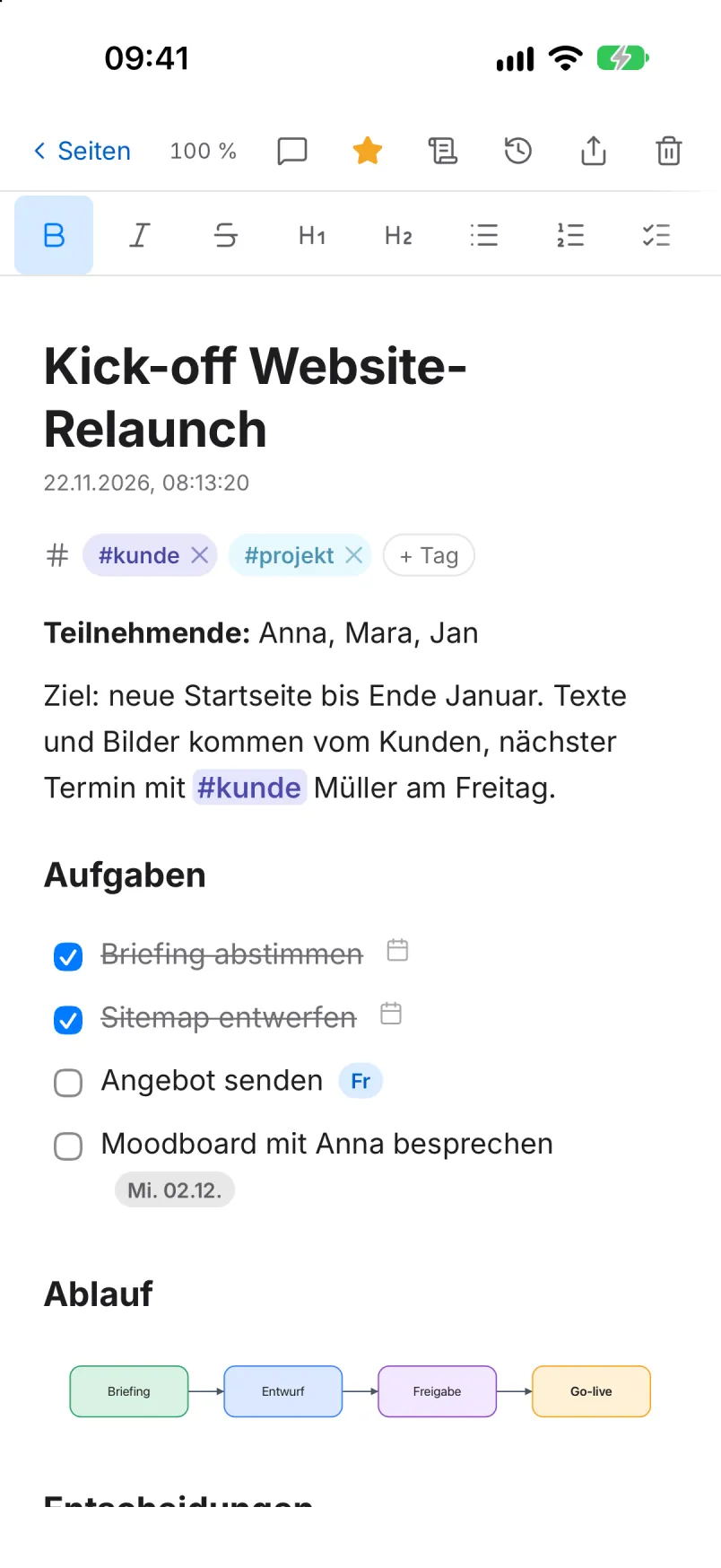
iPhone
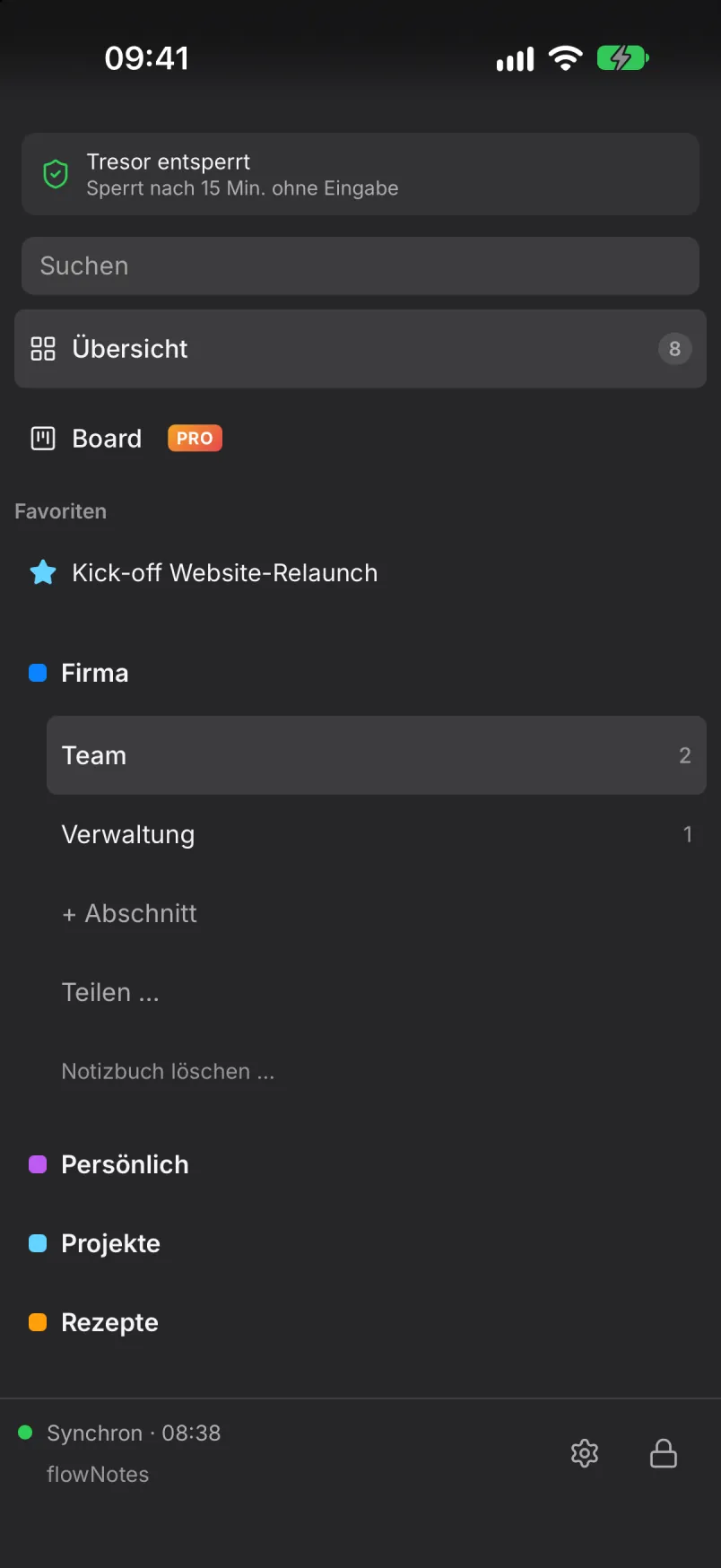
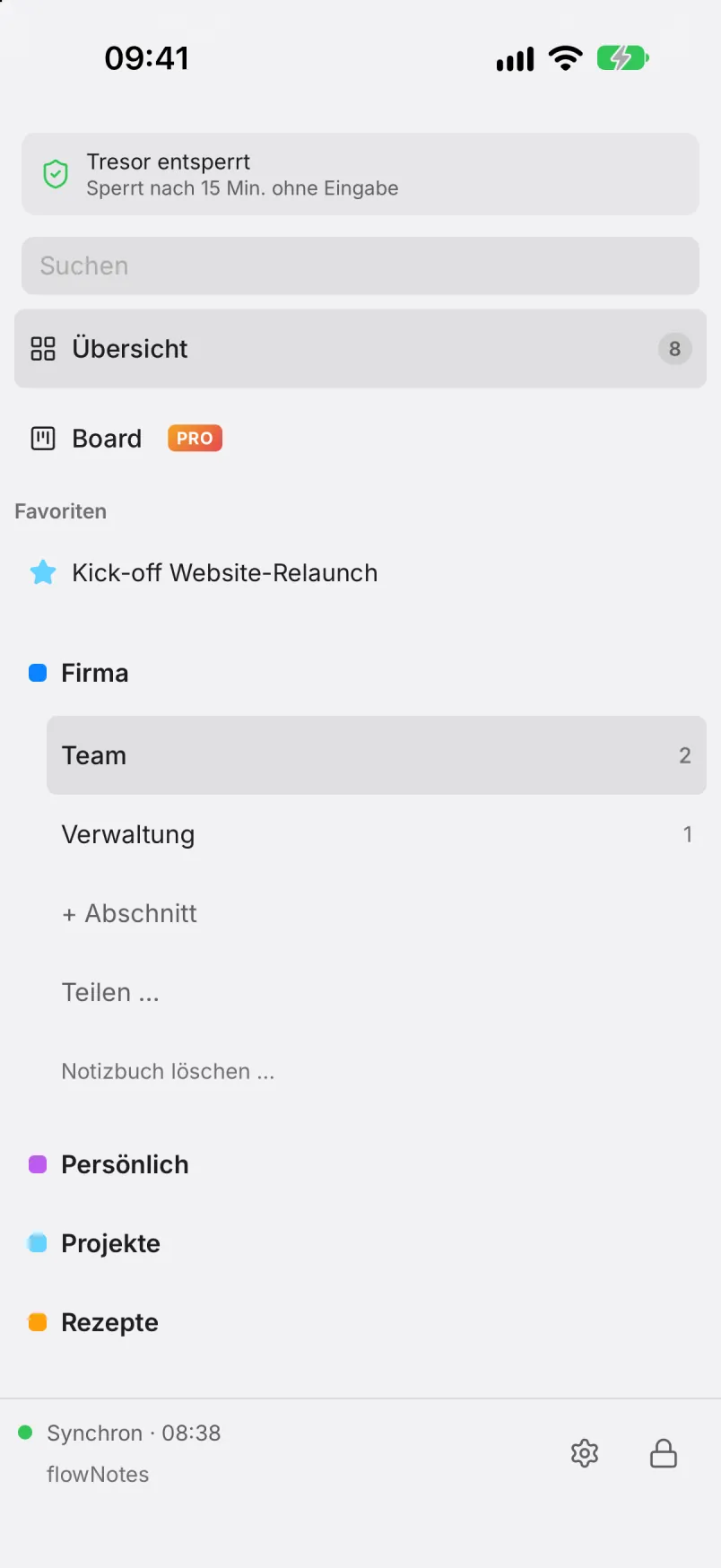
- One column, step by step to your page
- Swipeable toolbar, keyboard-friendly
- Unlock with Face ID
Set up in three minutes
-
1
Create your vault
Choose a passphrase. flowNotes shows you a recovery key once – after that you can unlock with Touch ID or Face ID.
-
2
Pick a cloud folder
Any synced folder will do: iCloud Drive, Dropbox, Google Drive, OneDrive, Nextcloud … On iPhone and iPad you pick it in the Files app.
-
3
Start writing
Notebooks, sections, pages – or import straight from OneNote and Evernote. Every device using the same folder is instantly up to date – Mac, iPad and iPhone.
Security
Encrypted. Backed up. Readable only by you.
Every change is encrypted on your device before it reaches the folder – Apple, Google, Microsoft or Dropbox only see random file names and ciphertext. And so that nothing is ever lost, flowNotes creates encrypted backups automatically.
- End-to-end encryption with XChaCha20-Poly1305 and Argon2id
- A separate key for every notebook, attachments included
- Automatic full backups, daily or weekly, to a folder of your choice Pro
- Versions of every page and a trash
- Touch ID and Face ID, auto-lock and a recovery key
What you see
Quote for Miller Ltd.
Budget $20,000, starting in February. Contact: Ms. Weber.
- Clarify requirements
- Send the quote
What your cloud folder sees
- nb/7f3a9c2e…/ops/a1d4/000184.bin9f 3c e1 07 b2 5a 0d c8 44 ae 71 …
- nb/7f3a9c2e…/snap/a1d4.bine2 18 9b f0 3d 66 c1 0a 7e 92 b5 …
- nb/7f3a9c2e…/blobs/c81e04d7….bin4a d7 20 9c 13 f8 6e b1 05 3c 2f …
- flownotes.vault.jsonargon2id · key wrapped
Page layouts
Flowing text or canvas – your call, page by page.
Two page types for two ways of thinking: flowing text for minutes, concepts and documentation – the canvas for free-form collecting like in OneNote, where every click places a new container. Try the switch.
- Flowing text: headings, tables, tasks, page width and zoom per page
- Canvas: lasso selection, alignment, files land right where you drop them
- Default layout per notebook, switch any page at any time
- Print and PDF keep the layout
Website relaunch sitemap
The new homepage bundles three services and leads clearly to the contact page. Subpages stay flat.
Site structure
| Page | Content | Status |
|---|---|---|
| Homepage | Tagline, services, references | Draft |
| Services | Consulting · Interim · Projects | Copy missing |
| Contact | Form, appointment booking | Done |
Open
- Copy from client
- Team photos
- Copy from client
- Team photos
Diagrams
Flowcharts right inside your notes.
A built-in diagram editor, much like draw.io – without the detour through a second app. Shapes, connectors, templates and libraries; the diagram stays a block in your page.
- Flowcharts, org charts, UML, BPMN, networks …
- Connectors with arrows – straight, orthogonal or curved
- Import draw.io files, export as SVG and PNG
Smart search
Finds everything – even in attachments, images and audio.
flowNotes reads along: text in photos, scanned PDFs and handwriting is recognized, voice notes are transcribed. All of it right on your Mac, without uploads or cloud AI – and the results are searchable, encrypted, on all your devices.
- Full-text search across all pages, in Free too
- Text recognition in images, PDFs and handwriting with Apple Vision Pro
- On-device transcription of audio notes Pro
- Filters, jump to the match and saved searches
- Quote_Miller_Ltd.pdf
… total according to quote: $20,000 net …
PDF · page 2 · Projects › Client meetings - Whiteboard_Kickoff.jpg
… send quote by Fri, then moodboard …
Recognized in image · Kick-off - Call notes
… question on the quote: hosting included? …
Handwriting · Client meetings - Voice note Nov 19
… then we send the quote right after the meeting …
Transcript · 02:14
Kanban board Pro
All your tasks on one board.
You write tasks where they come up – in the minutes, the concept, the daily note. The board collects them from all notebooks and sorts them by status. Click a card to open its page.
- Drag & drop cards between columns
- Name, color and reorder columns freely
- Priority and due date at a glance
Work together Pro
Share without giving up encryption.
Share a notebook, and flowNotes wraps its key for the people you invite – and no one else. You see who is writing on which page, and you comment right on the text.
- Read or write access, a safety number to compare
- Others’ avatars, cursors and selections – in real time if you like
- Comments with replies, change history per page
- Anyone you remove can’t read anything new from then on
We guide mid-sized companies through IT change – pragmatic, independent and eye to eye. From strategy all the way to go-live.
Everyone says “eye to eye” – do we have something more concrete?
How about “no consultant-speak”? I’m rewording it right now.
Import from OneNote & Evernote
Move over without starting from scratch.
Bring your notebooks straight from your Microsoft account or from exported files, and Evernote stacks as .enex. A preview shows what’s coming – you pick, flowNotes does the rest and stores everything encrypted in your folder.
- Sections, pages, images, tables and attachments
- OneNote pages optionally keep their positions as canvas pages
- Every Evernote file becomes a section
- Works in Free too – up to three notebooks
- Work 3 sections
- Projects 48 pages
- Clients 112 pages
- Archive 2019 310 pages
- Recipes 64 pages
iPhone & iPad
Just as secure on the go – and made for touch.
On iPhone and iPad, simply pick a folder in the Files app – in iCloud Drive, Dropbox, OneDrive, Google Drive or Nextcloud. flowNotes remembers the access and opens your notebooks right away next time, unlocked with Face ID.
- The same notebooks, tasks and tags as on your Mac
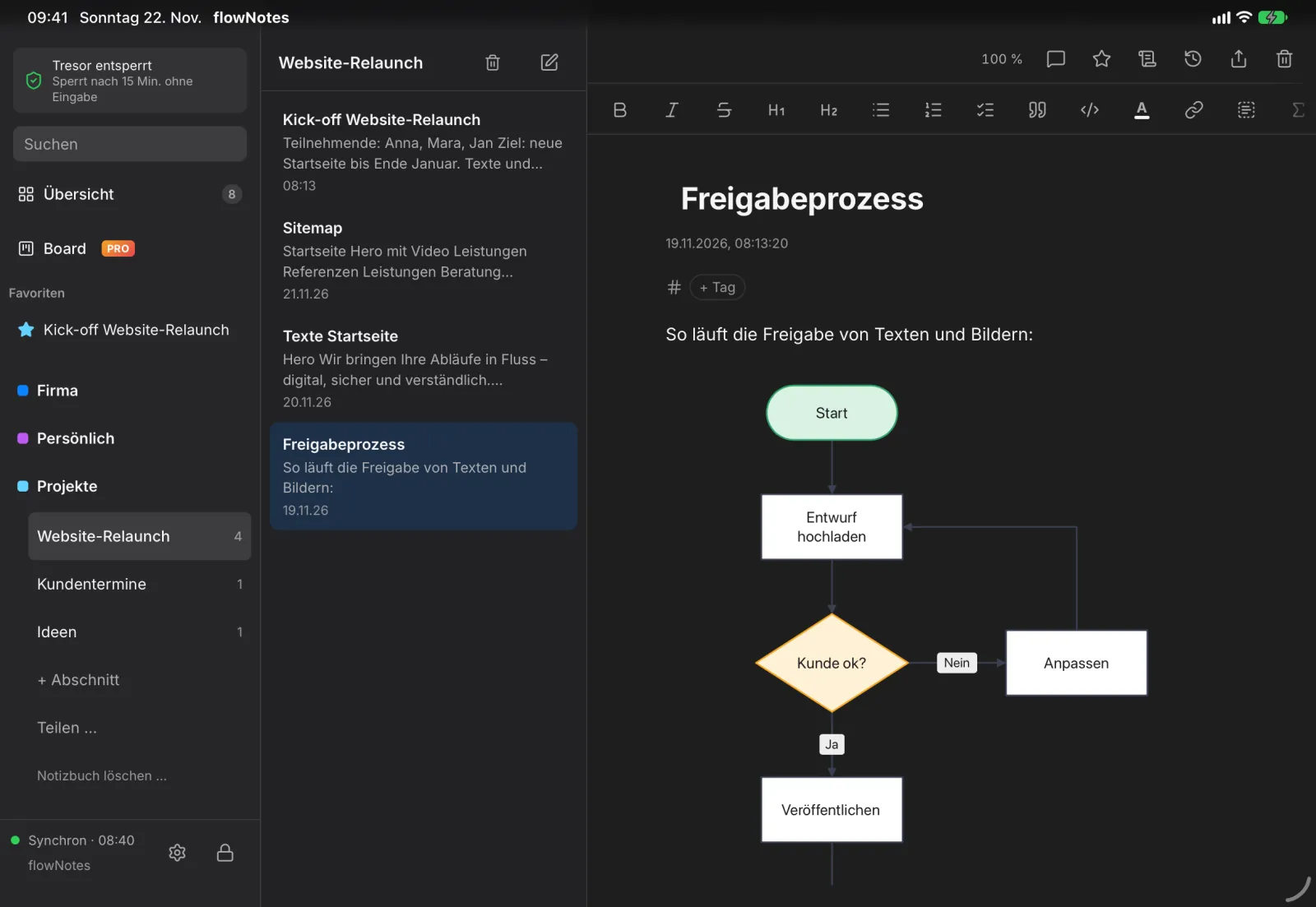
- Diagrams by touch: drag, connect, pinch to zoom
- Tap canvas pages and place containers freely
- The layout adapts: three columns on iPad, one on iPhone
- End-to-end encrypted like on the Mac, no account
Features
Everything you expect from a notebook – and more.
-
Notebooks, sections, pages
The familiar structure from OneNote – with subpages, favorites and a trash.
-
Powerful editor
Tables, images, framed text boxes, code, links between pages and
#tags. -
Tasks & daily note
Tasks with due dates from all notebooks in one overview – plus a Kanban board Pro
-
Flowing text & canvas
Two page layouts: classic flowing text or freely placed containers like in OneNote.
-
Diagrams
Flowcharts, org charts and more – with templates and draw.io import.
-
Text recognition Pro
Find text in images, PDFs and handwriting, transcribe audio notes – locally on your Mac.
-
Smart search
Finds text in pages, attachments, images and audio – with filters and a jump to the match.
-
Versions
Every earlier state of a page is kept and can be restored.
-
Import from OneNote & Evernote
Bring your notebooks along – optionally keeping positions as a canvas page.
-
Sharing & comments Pro
Shared notebooks, live cursors and comments – still end-to-end encrypted.
-
Touch ID & Face ID
Unlock with your fingerprint or face, auto-lock after inactivity.
-
Export, print & backup
PDF, Markdown and HTML, printing with layout – and encrypted full backups.
- iCloud Drive
- Dropbox
- Google Drive
- OneDrive
- Nextcloud
- any synced folder
Free & Pro
Start for free. Go Pro when you need more.
Free
$0
Everything for your own notes:
- End-to-end encryption in your own cloud folder
- Editor, tasks, daily notes, search
- Import from OneNote and Evernote, export
- Up to 3 notebooks
- 1 canvas page and 1 diagram per notebook
- Versions from the last 14 days
Pro
$19.99 per year
or $49.99 one-time – yours to keep
Everything in Free, plus:
- Unlimited notebooks, canvas pages and diagrams
- Share notebooks, comment, collaborate in real time
- Text recognition in images, PDFs and handwriting
- Kanban board, your own templates, saved searches
- All versions, change history, automatic backup
- Attachments up to 50 MB
An in-app purchase on the App Store. Try the yearly plan free for 14 days and cancel anytime – or buy once, no subscription. Family Sharing included. Prices may vary by country.
Compare all features
| Feature | Free | Pro |
|---|---|---|
| Basics | ||
| End-to-end encryption, your own cloud storage | ||
| Editor, tasks, daily notes, search, quick capture | ||
| Import (OneNote, Evernote), export, manual backup | ||
| Built-in templates, light and dark | ||
| Limits | ||
| Notebooks | 3 | unlimited |
| Canvas pages per notebook | 1 | unlimited |
| Diagrams per notebook | 1 | unlimited |
| Attachments per file | 10 MB | 50 MB |
| Versions | 14 days | unlimited |
| Collaboration | ||
| Share notebooks | – | |
| Write comments (reading works in Free too) | – | |
| Real-time cursors via a relay | – | |
| Change history | – | |
| Productivity | ||
| Text recognition (images, PDFs, handwriting), transcription | – | |
| Kanban board | – | |
| Your own templates, saved searches | – | |
| Automatic backup | – | |
Digital sovereignty
Your data. Your rules.
No account, no server, no tracking. flowNotes makes you independent of Microsoft and co.: you decide where your notes live, who may read them – and when you leave.
Storage of your choice
iCloud Drive, Dropbox, OneDrive – or European and self-hosted storage such as Nextcloud or your NAS.
Keys stay with you
Neither your cloud provider nor we can read along. Even the optional real-time relay only sees ciphertext and stores nothing.
No lock-in
Export as PDF, Markdown and HTML at any time, even without Pro. Your notes stay yours – even if you leave flowNotes.
Frequently asked questions
How much does flowNotes cost?
flowNotes is free – with up to three notebooks and all the basics. Pro unlocks unlimited notebooks, sharing, comments, text recognition, the Kanban board and more. Pro is an in-app purchase: $19.99 per year (try it free for 14 days) or $49.99 one-time.
Subscription or one-time purchase – what’s the difference?
Both unlock the same features, including all future updates. The subscription is the cheaper way in and can be cancelled anytime in your Apple ID settings. The one-time purchase is yours forever. With “Restore Purchases”, Pro is active on your other devices too.
Which cloud storage can I use?
Any service that syncs a folder: iCloud Drive, Dropbox, Google Drive, OneDrive, Nextcloud, a NAS folder … On iPhone and iPad, any provider that shows up in the Files app. flowNotes only puts encrypted files there. Each device writes its own files, so there are no sync conflicts.
How do the automatic backups work?
flowNotes saves an encrypted full backup daily or weekly to a folder of your choice – say, an external drive or a NAS – and keeps the most recent ones. On top of that, every page has its versions. Automatic backups are part of Pro; manual backups work in Free too.
Can search find text in images and audio?
Yes, with Pro: flowNotes recognizes text in photos, scanned PDFs and handwriting and transcribes voice notes – right on your Mac with Apple Vision and macOS speech recognition, no uploads. The results are stored encrypted and are searchable on all your devices.
What if I forget my passphrase?
Then you unlock with the recovery key that flowNotes shows once when you create your vault, and which you can regenerate in the settings. Without the passphrase and without the recovery key, nobody can get to your notes – not even us.
Can I switch from OneNote?
Yes. flowNotes imports OneNote notebooks with sections, pages, images and tables. If you like, positions are kept, and the page becomes a canvas page just like the original. Evernote exports (.enex) can be imported too.
How does sharing work without a server?
Your cloud provider controls access to the files; the keys control access to the content: you share the notebook folder, and flowNotes wraps the notebook key for the person you invite. You compare a safety number once to be sure.
What happens to my notes without Pro?
Nothing is ever lost. If a Pro subscription ends, everything stays readable and exportable; only the Pro features pause. You can still read shared notebooks.
Which languages does flowNotes speak?
The app is currently available in German; an English version is planned.
What do I need to run flowNotes?
A Mac with Apple silicon and macOS 13 Ventura or later – or an iPhone or iPad with iOS / iPadOS 15 or later.
Is flowNotes available for iPhone and iPad?
Yes. flowNotes runs on iPhone and iPad and opens the same notebooks as on your Mac – just pick the same folder in the Files app. On iPad you get three columns side by side like on the Mac; on iPhone a single column takes you step by step to your page. Pro is meant to unlock on all devices with the same purchase.
Your notes. Your storage. Your key.
flowNotes is coming soon to the App Store – for Mac, iPad and iPhone.
Coming to the App Store